站点名称:A Typing Test Where Correct Keys Light Up
所属分类:通用效率工具
相关标签: # typing test # wpm test # typing practice # typing accuracy
官方网址:https://www.9314.cn/tools/type-speed/en/
进入网站站点介绍
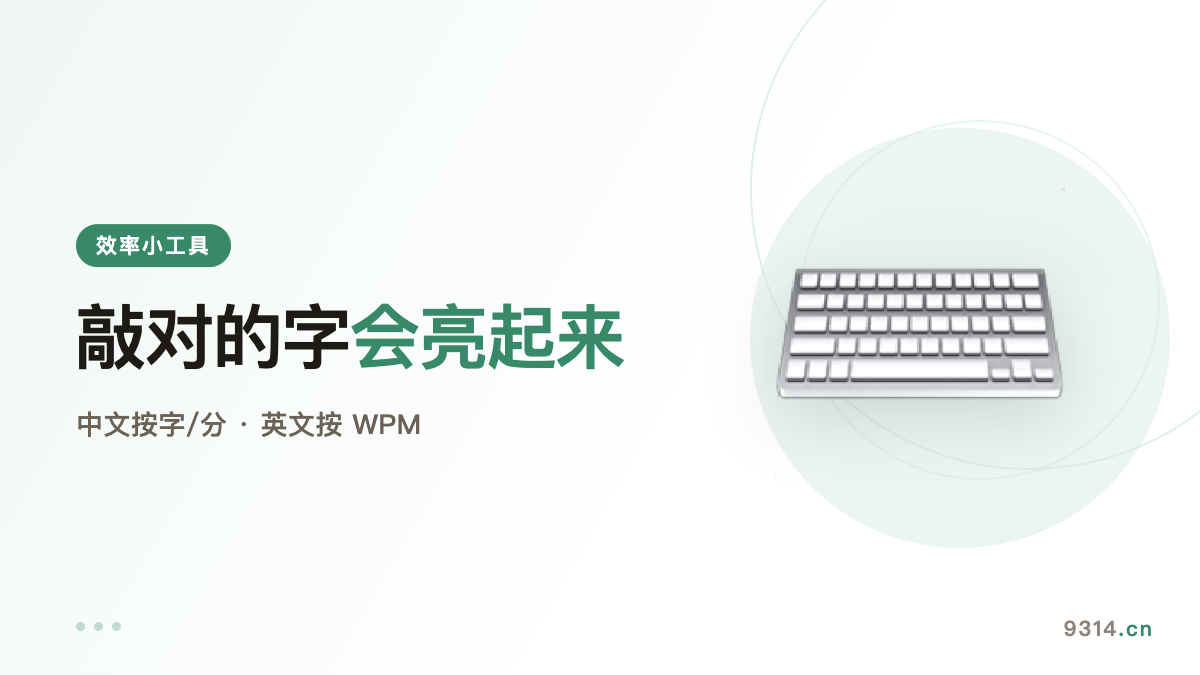
Most typing tests look the same: a box, a passage, a timer. A mistake nudges a counter, and you never learn where your rhythm fell apart.
Here every key answers immediately: correct turns green, wrong turns red, and the cursor always sits exactly where you stopped. Your eyes never leave the text.
A fully green passage is harder than a fast one — and that is the point.
Not speed — accuracy. Wrong key, backspace, retype: those three steps waste more time than anything else. Speed follows accuracy; it never leads.
The second thing is stop looking at the keyboard. The first two days get slower, the third day starts paying it back. Ten minutes daily beats a weekend cram — I learned that the hard way.
Short lines for rhythm, long passages for flow, and paste your own code when that is what your fingers do all day.
Speed is the standard WPM: correct characters divided by five, converted to minutes. Accuracy counts keystrokes, not the final text — a wrong key that you fixed still counts as wrong.
That is why the number is hard to game, and why it is worth watching.
How is speed calculated?The English page uses the standard WPM formula: correct characters divided by five, converted to minutes. Accuracy is the share of keystrokes that were right — fixing a mistake counts both times, because both keystrokes happened.
What happens when I mistype?The wrong character turns red and the cursor stays put until you backspace and fix it — just like real typing. Low accuracy slows you down directly, which is exactly the point of measuring it.
Do my results get uploaded?No. Timing and scoring happen in your browser and the page sends no requests. Your history lives in this device's localStorage; switching devices or clearing site data loses it. "Clear my data" in the footer wipes everything.
How do I start on mobile?Tap the text area and the keyboard comes up. The page needs a real input to receive your keystrokes, so that is one extra tap. Landscape is more comfortable.
Can I practice my own text?Yes. Open "Paste your own text", drop in code, copy, or anything else, then hit "Type this". Your custom text is kept on the device too.
Tool: Typing Speed Test: Every Correct Key Lights Up. You may also like the Regex Tester.
中文版:https://www.9314.cn/tools/type-speed/
浏览统计(最近30天)
评论列表 (0条)